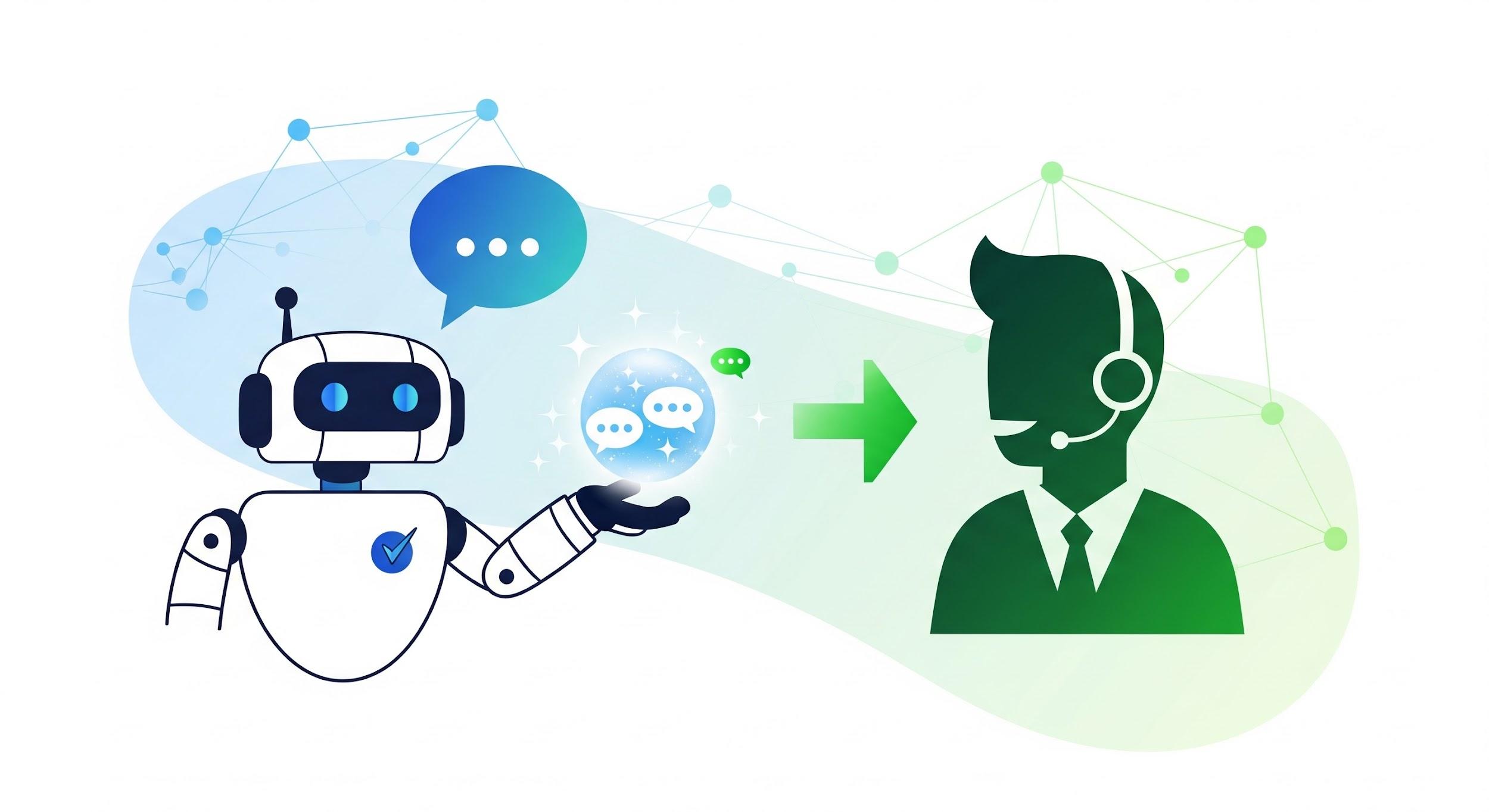
How Smart Escalation Works in Allychat
Allychat's Smart Escalation feature ensures your visitors receive timely and appropriate support by automatically transferring conversations from the AllyBot to your human agents when needed. This intelligent system is designed to improve customer satisfaction and efficiency.
Smart Escalation automatically hands conversations to your human agents in three specific situations:
1. Angry or Abusive Visitors
AllyBot is programmed to recognize and de-escalate volatile situations immediately.
If a visitor sends a message that contains profanity or is written entirely in ALL CAPS, and the sentiment is detected as angry, AllyBot will stop trying to answer the question.
AllyBot's response: "I understand you're frustrated, and I'm sorry for the inconvenience. Let me connect you with a human agent who can better assist you."
2. Low Confidence Answers
AllyBot strives to provide accurate and confident answers.
After AllyBot searches your knowledge base, your website, and the web, if it cannot find an answer that meets your configured confidence threshold, it will not attempt to guess or provide a potentially incorrect response.
- Default Threshold: 30%Adjustment: This threshold is adjustable in your settings.
AllyBot's response: "I don't have enough information to answer your question confidently. Let me connect you with a human agent who can help."
3. Visitor Explicitly Asks for a Human
If a visitor explicitly requests to speak to a human, AllyBot will immediately recognize this intent and transfer the conversation. This action is always active, regardless of the Smart Escalation toggle setting.
Examples of recognized phrases: "let me speak to a person," "I want a real agent," "transfer me," etc.
AllyBot's response: "I understand you'd like to speak with a human agent. Let me connect you right away."
What Happens When a Conversation Escalates?
When a conversation is escalated, your team receives all the necessary information to take over and assist the visitor effectively.
When it escalates:
- The conversation gets flagged as escalated in your dashboard.
- Your team gets notified through whatever channels you have connected (Telegram and/or Slack).
- The notification includes a summary of the conversation and the visitor's context:
Context Detail | Description |
Visitor Information | Visitor's name and email |
Sentiment | The detected sentiment of the visitor |
Reason for Escalation | Which of the three conditions triggered the escalation |
Conversation History | The last few messages exchanged |
Direct Link | A direct link to the conversation in your dashboard |
The Smart Escalation Toggle
You have control over whether the Smart Escalation feature (covering situations 1 and 2 above) is active.
When the toggle is OFF:
AllyBot will still answer every question as best it can, even when confidence is low or the visitor is upset. It will not hand off the conversation to a human automatically.
Note: Visitors can still explicitly ask for a human agent, and that request will always work and trigger an escalation, even if the main Smart Escalation toggle is off.